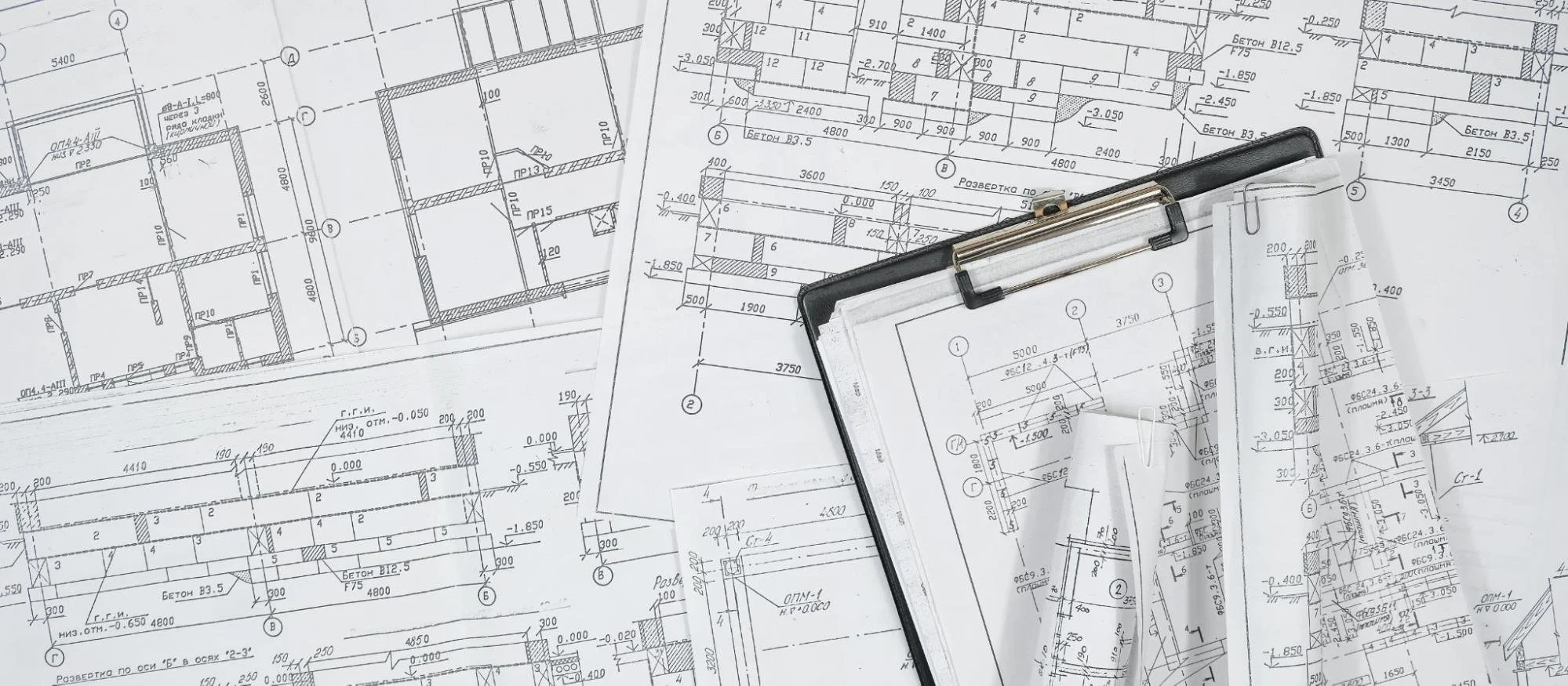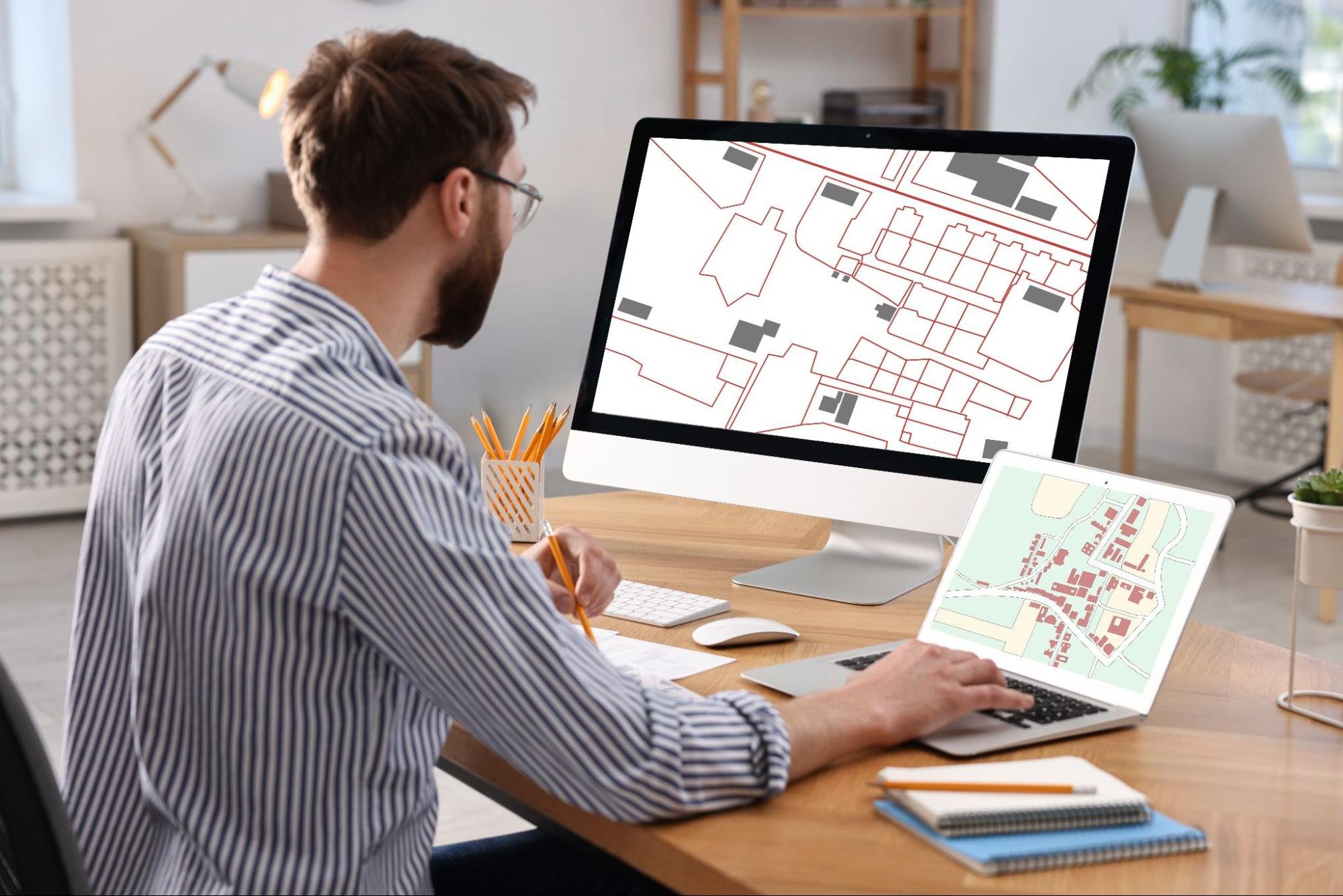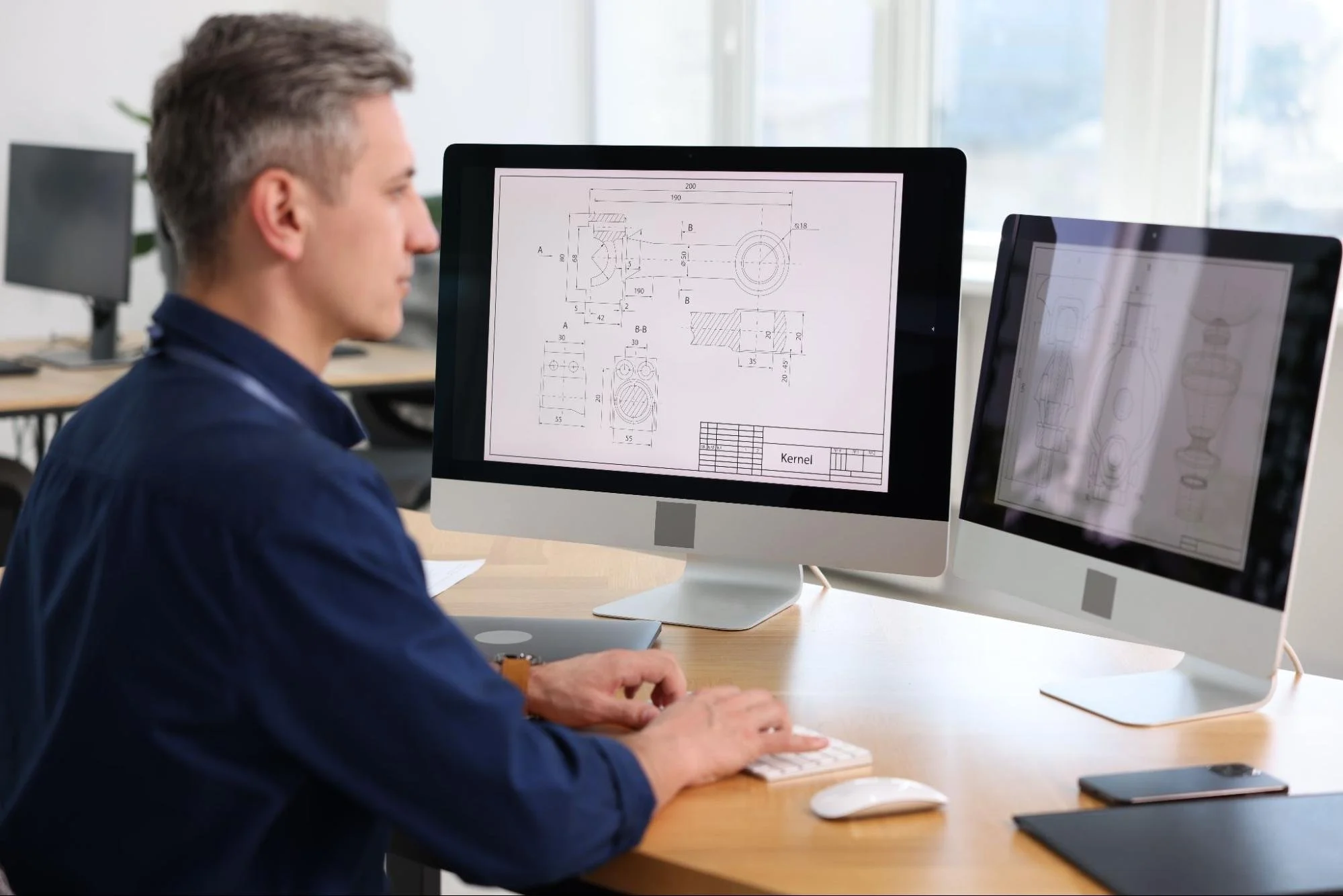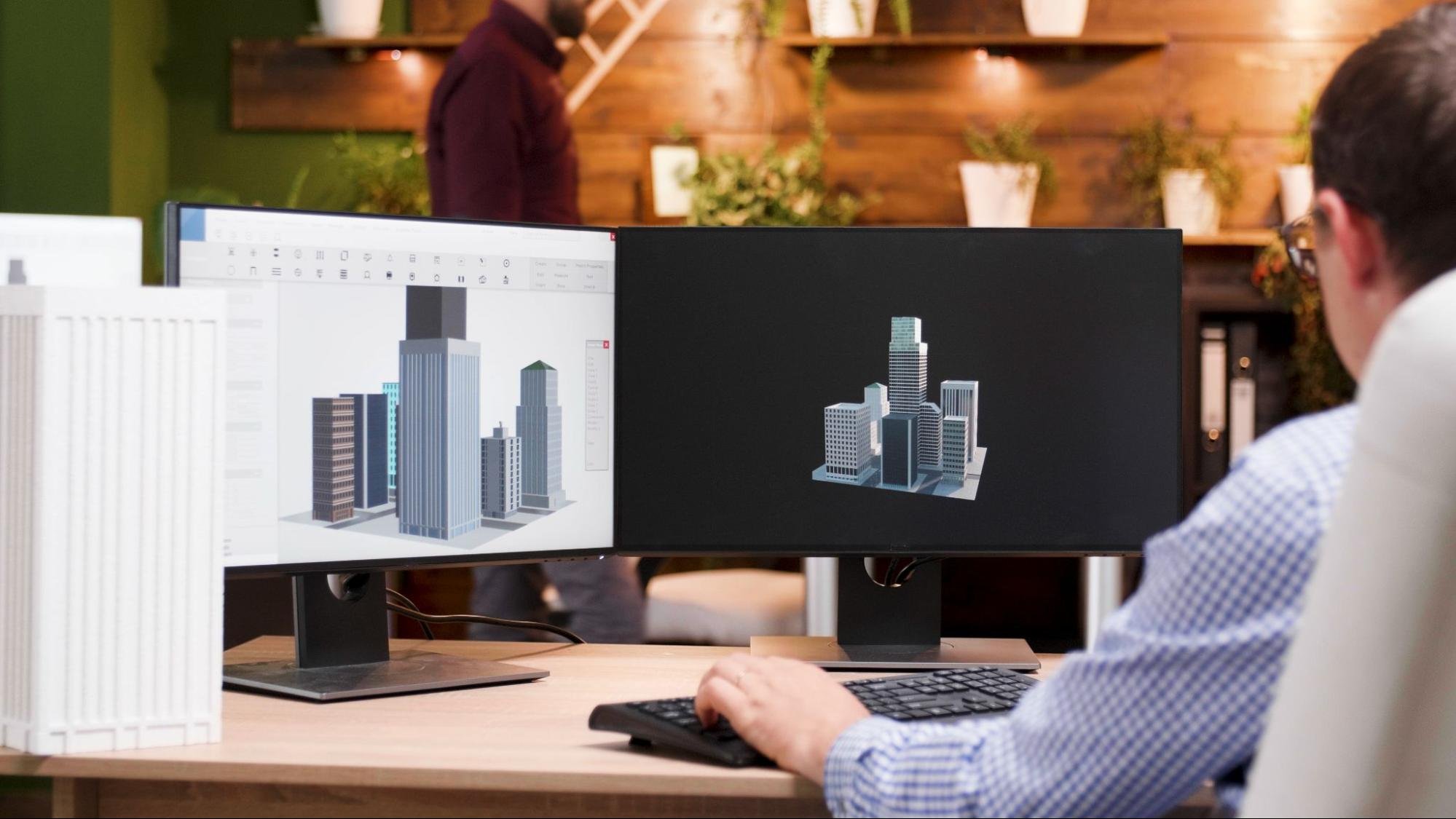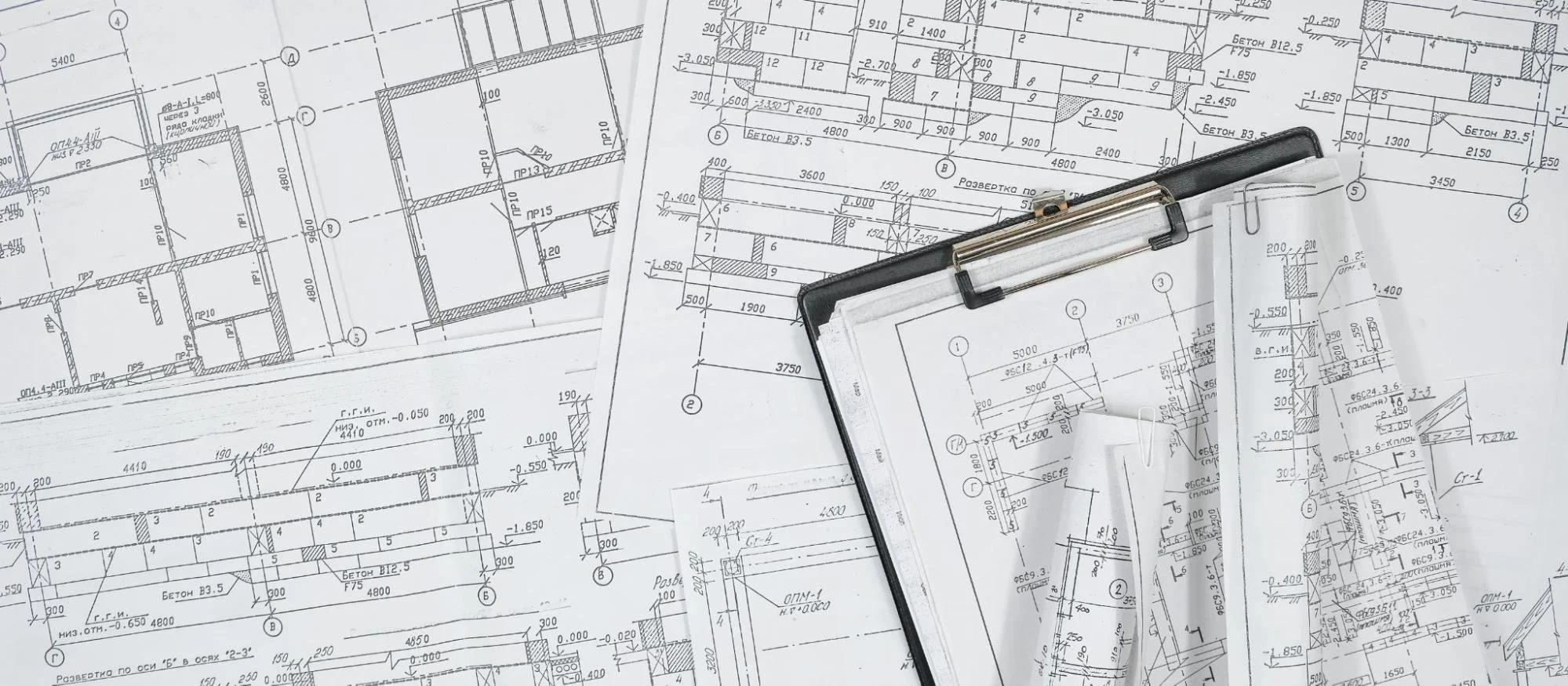
Computer-aided design software shapes how modern businesses plan, test, and deliver products at scale. Teams rely on these platforms to manage complexity while maintaining accuracy across every design stage. As markets demand faster turnaround and customization, design tools now influence operational efficiency and long-term growth. Executives increasingly assess computer-aided design software with the same scrutiny as enterprise systems. The features embedded in these platforms often determine how confidently organizations respond to technical, commercial, and competitive pressure.
Intelligent Functions in Computer-Aided Design Software
Intelligent functions refer to built-in systems that automate logic-driven design decisions. These features reduce repetitive manual input while preserving accuracy across evolving projects. Businesses benefit from faster revisions and fewer downstream corrections. Computer-aided design software uses these capabilities to support consistent results across teams and product lines.
Parametric and Constraint-Based Modeling
Parametric and constraint-based modeling define relationships between design elements using rules rather than fixed dimensions. This modeling approach allows a single change to automatically update all related components. Teams avoid redrawing entire models during revisions. Businesses managing frequent updates maintain consistency without extra labor. This modeling structure also reduces errors during late-stage changes. As a result, production timelines remain more predictable.
Rule-Driven Design Automation
Rule-driven automation embeds company standards directly into the design process. These rules guide spacing, geometry, and tolerances without manual checks. Designers work faster while staying aligned with internal requirements. Businesses reduce compliance risks during reviews and audits. This automated logic also supports repeatable quality across projects. Over time, teams build efficiency without sacrificing control.
AI-Assisted Design Suggestions
AI-assisted suggestions analyze prior design data to recommend improvements. This assistance helps teams identify efficient layouts or materials earlier. Designers still make final decisions while benefiting from data-backed insight. Businesses shorten trial-and-error cycles during concept development. This technology also supports less experienced team members. Productivity improves without limiting creative control.
Defining Capabilities of Today’s CAD Software
Modern design platforms reveal their value through the capabilities they deliver at every business touchpoint. These systems influence how teams think, collaborate, validate ideas, and move from concept to production. Each capability addresses real operational challenges faced by growing organizations. The following are the defining features that shape how computer-aided design software supports smarter, more resilient business decisions.
Team Coordination and Shared Design Environments
Team coordination features support structured collaboration across departments and locations. These tools replace fragmented file-sharing with unified work environments. Businesses gain better visibility into design progress and accountability. Shared environments help teams maintain alignment throughout the design lifecycle.
Simultaneous Editing Across Design Teams
Simultaneous editing allows multiple users to work on the same design simultaneously. This shared capability reduces duplicated effort and conflicting changes. Team members view updates instantly as they occur. Managers monitor progress without waiting for file submissions. This approach improves coordination across distributed teams. Project momentum increases as delays disappear.
Remote Access Through Secure Cloud Systems
Remote access allows teams to work securely from any approved location. This flexibility supports hybrid and global work models. Businesses avoid downtime caused by local system limitations. Cloud-based systems simplify updates and maintenance cycles. Team members remain productive during travel or off-site work. Operational continuity improves across regions.
Structured Review and Approval Processes
Structured approval workflows formalize how designs move through review stages. This process replaces informal email chains and manual tracking. Managers gain visibility into pending decisions. Bottlenecks surface before they disrupt schedules. Teams maintain accountability for every change. Delivery timelines become more predictable.
Accuracy and Visual Clarity in Design Outputs
Accuracy and clarity define how well designs translate into real-world results. These capabilities support both internal validation and external communication. Businesses rely on clear visuals to reduce misunderstandings. Well-presented outputs strengthen confidence across stakeholders.
Realistic Rendering for Design Validation
Rendering tools convert technical models into realistic visuals. These visuals accurately depict materials, lighting, and finishes. Stakeholders understand concepts without technical interpretation. Sales and planning teams reuse visuals for presentations. This clarity reduces revision requests later. Approval cycles become faster.
Dimensional Control and Tolerance Accuracy
Dimensional control maintains precise measurements across components. This accuracy supports manufacturing and compliance requirements. Teams trust outputs during complex assemblies. Businesses reduce costly production errors. Consistent tolerances improve build reliability. Quality remains stable across projects.
Embedded Notes and Technical Documentation
Embedded notes attach explanations directly to design elements. This documentation stays aligned with current versions. Teams avoid confusion caused by outdated files. Explicit annotations improve cross-department handoffs. Businesses maintain organized records for audits. Knowledge sharing becomes smoother.
Digital Testing and Performance Evaluation
Digital testing allows teams to evaluate behavior before physical production. These tools simulate real-world conditions within the design environment. Businesses reduce reliance on physical prototypes. Early insights support informed decisions.
Load and Stress Behavior Analysis
Stress analysis evaluates how designs respond to force and pressure. Weak areas appear before manufacturing begins. Designers adjust geometry or materials proactively. Businesses avoid failures during testing or use. This analysis improves durability. Confidence increases across development stages.
Motion Testing for Mechanical Systems
Motion testing simulates movement within assemblies. This simulation reveals collisions and alignment issues. Teams refine motion paths digitally. Businesses prevent costly assembly delays. Mechanical reliability improves through early testing. Safety outcomes also improve.
Thermal and Environmental Condition Modeling
Thermal modeling predicts heat distribution during operation. Designers evaluate cooling strategies before production. Businesses avoid overheating risks in final products. Environmental modeling tests performance under varied conditions. This insight supports better material selection. Reliability improves across operating environments.
Flexible Growth and Workflow Adaptability
Adaptability allows design systems to evolve alongside business needs. Flexible tools prevent disruption during expansion. Businesses benefit from scalable configurations. Workflow alignment improves long-term efficiency.
Expandable Features Based on Business Needs
Expandable features allow teams to add capabilities as complexity increases. This flexibility prevents overinvestment in unused tools. Businesses scale functionality at their own pace. Licensing aligns with actual usage. Planning becomes more predictable. Growth occurs without disruption.
Reusable Templates and Component Libraries
Templates standardize recurring design elements. Libraries store approved components for reuse. Teams maintain consistency across projects. Designers save setup time. Businesses protect technical standards. Efficiency improves through reuse.
System Connectivity Through APIs
APIs connect design platforms with enterprise systems. Data flows smoothly between departments. Teams avoid manual data duplication. Businesses reduce information silos. Decision-making becomes faster. Operational transparency improves.
Design Data Control and Risk Protection
Design data requires structured oversight and protection. These controls support traceability and accuracy. Businesses treat design information as a strategic asset. Security features reduce risk exposure.
Centralized Storage for Design Assets
Centralized storage keeps all design files in one location. Teams avoid scattered versions across devices. Retrieval becomes faster and more reliable. Hence, businesses reduce data loss risk. Collaboration improves through shared access. Consistency strengthens across projects.
Change Tracking and Revision Transparency
Change-tracking logs every design update so teams can clearly see what changed and when. Teams can review earlier versions when needed. Accountability improves across contributors. Thus, businesses meet documentation requirements more easily. Mistakes reverse without restarting work. Transparency strengthens trust.
Permission-Based Access Management
Permission controls limit access based on role. Businesses protect sensitive designs effectively. External partners receive restricted access. Governance policies remain enforceable. Risk exposure decreases. Client trust strengthens.
Cross-System Compatibility and Output Options
Compatibility determines how smoothly designs move between systems. Flexible outputs support downstream workflows. Businesses rely on interoperability to avoid delays. Connected processes improve efficiency.
File Exchange Across Multiple Formats
Multi-format support allows collaboration with external partners. Teams avoid time-consuming conversions. Accuracy remains intact during exchanges. Businesses work smoothly with suppliers. Global coordination improves. Workflow friction decreases.
Production-Ready Design Deliverables
Production-ready outputs integrate directly with manufacturing systems. CNC and CAM compatibility reduces translation errors. Production teams receive usable data immediately. Businesses shorten design-to-production timelines. Supply chain efficiency improves. Delays decrease.
Documentation for Compliance and Handoffs
Exportable documentation supports regulatory and quality needs. Precise drawings assist inspections. Teams maintain alignment across departments. Businesses meet industry standards consistently. Handoffs remain structured. Confidence improves across production stages.
Business Impact of CAD Software Adoption
Advanced CAD adoption affects cost, speed, and reputation. Design efficiency influences operational performance. Businesses evaluate platforms for long-term value. Computer-aided design software supports competitive positioning.
Cost Control and Resource Efficiency
Automation reduces repetitive design tasks. Teams complete projects faster. Businesses lower development expenses over time. Resource planning becomes predictable. Budgets remain stable across cycles. Financial clarity improves.
Faster Market Responsiveness
Rapid design updates support changing requirements. Businesses adapt products without starting over. Customization becomes manageable. Speed improves competitive positioning. Clients receive quicker responses. Market alignment strengthens.
Knowledge Retention and Consistency
Standardized tools preserve institutional knowledge. New hires adapt faster. Best practices remain embedded. Businesses avoid reliance on individuals. Continuity strengthens during staff changes. Stability improves across teams.
Enable Efficient Planning With CAD Software
Strategic planning begins when design decisions rest on reliable systems rather than workarounds. Computer-aided design software gives organizations the structure to evaluate options, manage complexity, and respond to change with clarity. When survey professionals and CAD drafters work within aligned design platforms, coordination improves, and technical intent stays intact from data capture to final output. Consistent progress follows when leaders connect design tools with disciplined planning and long-term operational direction.
Stay informed on design, planning, and technical strategy. Visit the LNE Surveys blog to access informed perspectives that support better decisions.