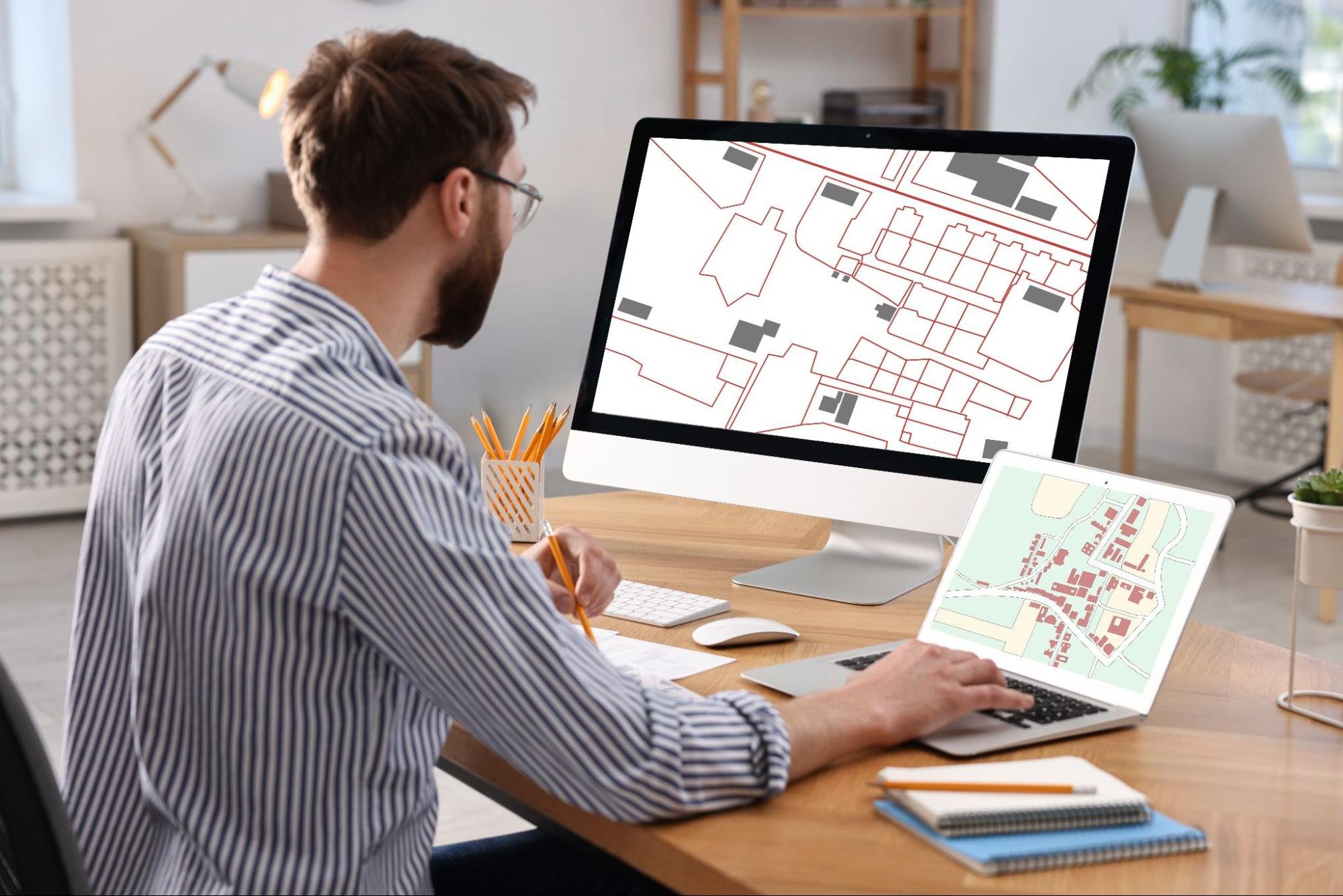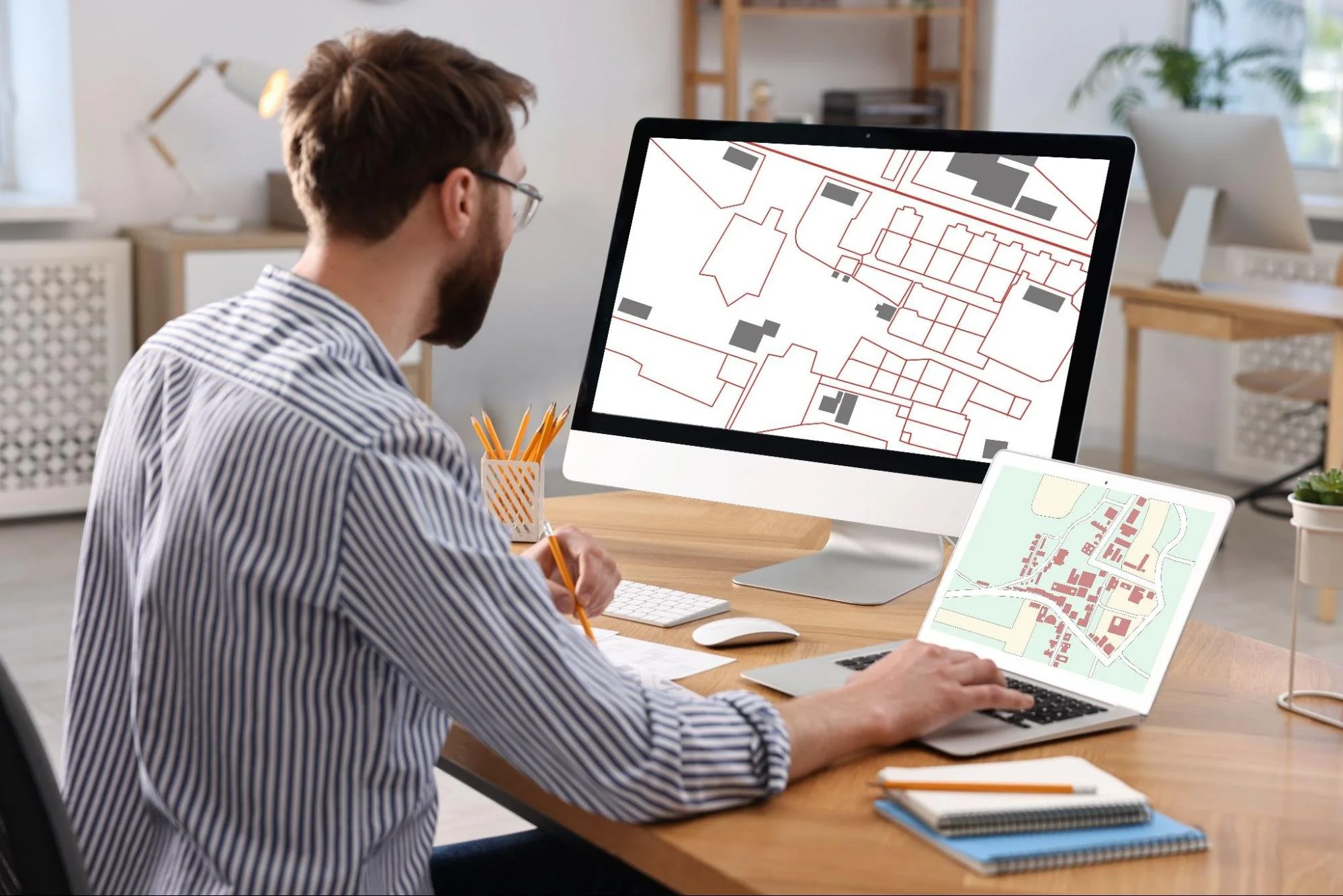
Computer-aided design helps companies turn ideas into detailed digital models. Projects move forward with fewer surprises when teams can review concepts before production begins. Design errors become easier to identify early, saving time, materials, and resources. As digital workflows continue expanding, CAD software remains a valuable tool for planning, engineering, manufacturing, and construction.
Understanding Computer-Aided Design
Accurate design work affects every stage of a project. Small mistakes can lead to delays, budget increases, and communication issues. Computer-aided design provides teams with a digital workspace to create and refine ideas. That capability supports better planning from the start.
What Computer-Aided Design Means
Computer-aided design, or CAD, is software used to create digital drawings and models. It replaces traditional drafting methods with computer-based tools. Designers can build two-dimensional plans or detailed three-dimensional models within a single platform. CAD software also stores measurements, specifications, annotations, and design data. Changes can be made quickly as projects evolve. This digital approach improves accuracy while making design management more efficient.
How CAD Differs From Manual Drafting
Traditional drafting relies on paper, drawing tools, and manual revisions. Even small updates can require significant effort. CAD software simplifies that process by allowing users to modify designs directly within the file. Teams can update dimensions, layouts, and specifications without recreating entire drawings. Digital files are also easier to organize and share. As a result, projects move faster and remain more consistent.
The Evolution of CAD Technology
CAD software has changed dramatically over the decades. Early systems focused on replacing manual drafting with digital alternatives. Modern platforms support modeling, simulation, automation, and collaboration. Those advancements expanded CAD's role across countless industries.
From Specialized Systems to Everyday Business Tools
The first CAD systems appeared during the 1960s. At the time, only large organizations could afford them. Hardware costs were high, and software required specialized training. Technology improvements gradually made CAD more accessible. User-friendly interfaces encouraged wider adoption across industries. Today, companies of all sizes use CAD to support design and development work.
How Modern CAD Software Has Advanced
Modern CAD software does much more than create drawings. Users can build realistic 3D models and test designs before production starts. Cloud-based platforms allow teams to work together from different locations. Many systems also connect with manufacturing, engineering, and project management software. Artificial intelligence supports repetitive tasks and design improvements. Together, these features help reduce errors and accelerate development.
Core Features of CAD Software
CAD platforms offer more than digital drafting capabilities. They provide tools that support design accuracy, collaboration, and project planning. Different industries use different features depending on their needs. Several core functions remain common across most professional systems.
Two-Dimensional Drafting and Documentation
Two-dimensional drafting remains important for technical documentation. CAD software allows users to create detailed plans with precise measurements. Designers can include notes, symbols, and specifications within each drawing. Revisions become easier because updates occur directly within the digital file. Teams can maintain consistency across multiple documents and project phases. This functionality improves communication throughout the design process.

Three-Dimensional Modeling and Visualization
Three-dimensional modeling creates realistic digital representations of products and structures. Users can view designs from multiple angles before production begins. That visibility improves understanding among project teams and stakeholders. Potential issues often appear earlier during design reviews. Better visualization supports stronger decision-making throughout development. Companies can reduce costly changes later in the project lifecycle.
Design Analysis and Simulation Tools
Many CAD solutions include simulation capabilities. These tools allow teams to test designs under specific conditions. Engineers can evaluate factors such as stress, movement, temperature, and performance. Potential weaknesses become easier to identify before manufacturing starts. Digital testing often reduces the need for multiple physical prototypes. This capability saves time while supporting more informed design decisions.
CAD Integration With CAM and BIM
Modern design workflows rarely exist in isolation. CAD software often integrates with computer-aided manufacturing (CAM) systems. These integrations help move design data directly into production processes. Architectural firms frequently integrate CAD with building information modeling (BIM). Shared information improves coordination among teams and project stakeholders. Strong integration helps reduce duplication and improve workflow efficiency.
CAD Integration With GIS, GPS, and LiDAR
Modern surveying relies on multiple sources of spatial data. CAD software helps surveyors integrate GPS measurements, GIS data, drone imagery, and LiDAR scans into a single workflow. This integration improves accuracy while reducing manual data processing. Teams can analyze site conditions more efficiently and create detailed project deliverables. Consistent data management also improves coordination with engineers, developers, and construction teams. These connected workflows support better planning throughout a project's lifecycle.
Why Businesses Use CAD Software
Design mistakes can become expensive quickly. Teams need reliable tools that support planning and communication. CAD software provides greater visibility throughout project development. That advantage helps organizations work more efficiently and confidently.
Supporting Better Decision-Making
Good decisions depend on accurate information. CAD models provide a clear view of products, structures, and systems before work begins. Stakeholders can review designs and discuss potential concerns early. Digital visualization reduces uncertainty during planning. Teams gain a stronger understanding of project requirements and limitations. This visibility supports better decisions throughout development.
Reducing Design Risks
Many project challenges begin during the design phase. CAD software helps teams identify potential problems before they become costly issues. Designers can test concepts, evaluate specifications, and review performance digitally. Changes are easier to manage within a digital environment. Early issue detection helps reduce delays and unexpected expenses. Organizations gain greater confidence in their final designs.
Managing Complex Projects
Large projects often involve multiple departments and technical disciplines. Coordination becomes difficult when information is scattered. CAD software centralizes design data within a shared environment. Teams can access current information and track updates more efficiently. Project managers gain better visibility into design progress. This capability supports smoother execution from planning through completion.

CAD vs Traditional Drafting
Many organizations have moved away from manual drafting methods. Digital tools offer advantages that paper-based processes cannot match. The difference extends beyond convenience. It affects accuracy, collaboration, and overall project efficiency.
Accuracy and Efficiency Differences
Manual drafting leaves more room for human error. Measurements can be misread or entered incorrectly. CAD software uses precise dimensions and automated tools to improve consistency. Designers can also duplicate elements rather than recreate them repeatedly. Revisions take less time and require fewer resources. This efficiency helps projects stay on schedule.
Collaboration and Document Management
Paper drawings can be difficult to distribute and update. Different versions may circulate at the same time. CAD software stores project information digitally and keeps documentation organized. Team members can access current files more easily. Updates become visible across departments without unnecessary delays. Better document management supports stronger collaboration throughout a project.
Common CAD Applications for Site Development
Many projects depend on accurate digital documentation before work begins. CAD software helps organize data and convert it into practical project deliverables. Teams can use these tools throughout the planning, design, and development stages. This flexibility makes CAD valuable across a wide range of land and infrastructure projects.
Creating Maps and Site Plans
CAD software helps produce detailed maps and site plans for development projects. Users can document property features, access routes, utilities, elevations, and other important information. Digital drafting tools improve consistency throughout the design process. Updates can be made quickly when project requirements change. Clear documentation supports planning, permitting, and stakeholder reviews. Accurate drawings also help reduce misunderstandings later in the project.
Managing Terrain and Topographic Data
Understanding existing site conditions is essential during project planning. CAD software helps organize elevation information and terrain data within a visual environment. Teams can review contours, slopes, and land features before design work progresses. This visibility supports more informed decisions during planning and development. Digital models also improve communication among project participants. Better site understanding often leads to fewer challenges during execution.
Supporting Construction Layout and Planning
Construction projects require accurate reference information from the beginning. CAD software helps prepare layout drawings and technical plans that guide project teams. Digital documentation improves coordination between design and field activities. Teams can identify potential conflicts before work starts. This proactive approach helps reduce delays and costly adjustments. Better planning supports more efficient project execution.
Industries That Benefit From CAD Technology
CAD software supports many industries that rely on accurate design and documentation. Different sectors use these tools to improve planning, coordination, and project outcomes. Digital workflows help teams manage information more efficiently. These capabilities continue to expand as project requirements become more complex.
Land Development and Property Planning
Property development projects depend on accurate site information. CAD software helps create detailed plans that support planning and design activities. Teams can visualize existing conditions and proposed improvements within a digital environment. Clear documentation simplifies communication among stakeholders. Project information remains organized throughout development. This capability supports more informed planning decisions.
Civil Engineering and Infrastructure
Infrastructure projects require detailed drawings and technical documentation. CAD software supports the planning of roads, utilities, drainage systems, and public facilities. Teams can evaluate project requirements before construction begins. Digital workflows improve coordination among engineers, consultants, and contractors. Revisions can also be managed more efficiently. These advantages contribute to smoother project delivery.
Construction and Site Development
Construction teams use CAD-generated drawings throughout project execution. Accurate plans help guide site preparation, utility installation, grading, and other activities. Digital documentation provides a reliable reference throughout the project lifecycle. Teams can review updates more efficiently when conditions change. Better coordination helps reduce costly mistakes. This process supports stronger project outcomes.
Frequently Asked Questions About CAD
Many organizations exploring CAD have similar questions. Understanding the basics helps support better decisions. These answers address common concerns. They also clarify how CAD supports modern business operations.
What CAD Software Do Surveyors Use?
Surveying professionals use CAD software that creates maps, site plans, boundary drawings, and other technical documents. Many platforms include tools for managing coordinates, elevations, and terrain data, as well as drafting workflows. Some solutions also integrate with GPS equipment, GIS databases, drone imagery, and LiDAR data. Features that support accuracy, efficiency, and collaboration are typically the highest priorities.
How Does CAD Improve Survey Accuracy?
CAD software helps maintain precision throughout the drafting and documentation process. Digital tools allow users to work with exact measurements, coordinates, and elevations while reducing the risk of manual errors. Teams can review, verify, and update information more efficiently as project requirements change. Automated features also help maintain consistency across drawings and project files. Clear visual representations make it easier to identify discrepancies before finalizing deliverables.
Can CAD Work With GPS and Drone Data?
Yes. Modern CAD platforms can integrate information collected from GPS equipment, drone surveys, GIS databases, and other digital sources. This capability helps teams manage large amounts of spatial data more efficiently. Information can be analyzed, organized, and incorporated into project deliverables within a single workflow. Better integration reduces duplication and improves accuracy. These capabilities support a wide range of planning and development projects.
Srengthen Survey Accuracy With Computer-Aided Design
Accurate survey data has little value if it cannot be organized and communicated effectively. Computer-aided design helps surveying professionals convert field measurements into clear, reliable deliverables that support planning, development, and construction. As projects become more complex, firms that use modern CAD workflows can produce results faster while maintaining accuracy. Investing in the right surveying technology today helps build confidence in every project that follows.
Every successful project starts with accurate information. Explore the LNE Surveys blog for helpful resources on CAD, surveying technologies, and site planning strategies.