
Viewing entries tagged
Interactive Floor Plan Design

Interactive Floor Plan Design: A Guide

Interactive Floor Plan Design: A Guide

Business owners make daily decisions that depend on how well they understand their physical space. Traditional layouts often fail to show how spaces function in real scenarios. Interactive floor plan design provides a dynamic way to visualize, adjust, and manage layouts with precision. It helps teams align faster by presenting clear, real-time spatial information. These capabilities give owners a practical advantage in planning, presenting, and improving business environments.

Interactive Floor Plan Design Basics

Interactive floor plan design refers to digital layouts that users can modify and explore in real time. This approach replaces static drawings with responsive, data-connected visual tools. It allows business owners to test layouts, review options, and make informed decisions quickly. This method improves clarity across planning, operations, and stakeholder communication.

What is an Interactive Floor Plan

An interactive floor plan is a digital layout that allows direct user interaction with space elements. This system includes features like clickable zones, movable objects, and layered data views. Users can adjust walls, furniture, or equipment without creating separate files for each change. This flexibility supports faster planning and reduces errors during revisions. According to recent proptech adoption data, businesses using digital layouts report shorter approval cycles. This approach creates a more accurate and collaborative planning process.

Static vs Interactive Floor Plan Differences

Static floor plans present fixed layouts that require manual updates for every change. This limitation often slows decision-making and increases miscommunication across teams. Interactive plans enable real-time edits, eliminating the need for repeated redesigns. This functionality enables users to compare multiple layout options within a single platform. Teams can review changes instantly and provide feedback without delays. This difference leads to faster alignment and more efficient project timelines.

Tools Used for Interactive Floor Planning

Interactive floor planning uses software that supports real-time editing and data integration. This technology often includes cloud-based platforms for access across devices and locations. Tools may also connect to systems such as property management or CRM platforms. This integration helps display accurate data, including dimensions, occupancy, and asset placement. Many providers offer drag-and-drop interfaces that simplify layout adjustments. This combination of features supports consistent updates and better collaboration across departments.

Features of Interactive Floor Plans

Interactive floor plans rely on features that improve usability, accuracy, and decision-making. This functionality enables users to engage with layouts more meaningfully. It supports both visual clarity and operational efficiency across business processes. This combination creates a reliable environment for planning and presentations.

Real-Time Editing and Visualization Features

Real-time editing allows users to adjust layouts and see results immediately. This capability reduces delays caused by repeated revisions and approvals. Visual updates help teams quickly understand the impact of each design choice. This clarity improves communication between departments and external stakeholders. Users can test multiple configurations without disrupting workflow. This process leads to faster and more confident decisions.

User-Friendly Floor Plan Navigation Tools

User-friendly navigation simplifies how people interact with floor plan systems. This design includes clear menus, intuitive controls, and accessible features. Users can locate important elements without confusion or unnecessary steps. This ease of use reduces training time and improves adoption rates across teams. According to usability studies, simple interfaces increase productivity and reduce errors. This approach allows teams to focus on planning rather than tool complexity.

Data Integration in Floor Plan Systems

Data integration connects floor plans with real-time business information. This system may include occupancy data, equipment details, and spatial measurements. Users can make informed decisions based on accurate, up-to-date information. This insight supports better space allocation and operational planning. Integrated systems also reduce manual data entry and duplication. This efficiency improves accuracy and saves time across projects.

Benefits of Interactive Floor Plan Design

Interactive floor plan design helps business owners manage space with greater clarity and control. This approach improves communication, planning accuracy, and operational efficiency. It allows teams to align quickly using shared, visual information. This advantage supports better outcomes across multiple business functions.

Improves Client Engagement With Floor Plans

Interactive floor plans create a more engaging experience for clients and stakeholders. This format allows users to explore spaces rather than interpret static images. Clients can visualize how a layout meets their specific needs. This clarity reduces uncertainty during discussions and negotiations. Businesses can present options more effectively and respond to feedback faster. This engagement often leads to quicker decisions and stronger client trust.

Faster Business Decisions Using Interactive Layouts

Interactive layouts speed up decision-making by providing instant visual feedback. This feature allows teams to test ideas without waiting for redesigns. Users can compare options and finalize choices within shorter timeframes. This efficiency reduces delays in project execution and planning. Teams stay aligned because everyone sees the same updated information. This speed improves overall productivity and business performance.

Optimizes Space Utilization for Efficiency

Interactive floor plans help businesses use available space more effectively. This system allows users to test layouts and identify the best configuration. Owners can reduce wasted areas and improve workflow across departments. This insight supports better planning for expansion or operational changes. Businesses can adapt layouts based on real usage patterns and needs. This strategy leads to more efficient and flexible environments.

Interactive Floor Plans in Business Use

Interactive floor plans apply across various industries and business environments. This flexibility allows owners to address specific operational and customer needs. It supports better planning, presentation, and long-term management of spaces. This adaptability makes it a practical tool for different business models.

Retail Store Layout Planning Strategies

Retail businesses use interactive floor plans to improve customer flow and product placement. This approach allows owners to test different layouts before making physical changes. They can adjust shelving, displays, and pathways to increase visibility. This testing reduces risks associated with poor layout decisions. Data-backed insights help identify which configurations drive better sales. This method supports a more efficient and customer-focused retail space.

Office Space Planning for Productivity

Office environments benefit from layouts that support collaboration and efficiency. Interactive plans allow businesses to experiment with seating arrangements and shared areas. This flexibility helps align workspace design with team needs and work styles. Companies can adapt layouts for hybrid or changing work environments. This approach improves communication and workflow across departments. This planning leads to more productive and comfortable office spaces.

Aerial courtyard with curved pathways, supporting interactive floor plan design for spatial layout analysis

Commercial Leasing With Interactive Plans

Property owners use interactive floor plans to present spaces to potential tenants. This method provides a clear and engaging view of available units. Prospects can explore layouts and understand how they might use the space. This clarity reduces uncertainty and improves the leasing experience. Businesses can respond to inquiries faster with accurate visual data. This strategy often leads to higher occupancy rates and faster deal closures.

Event Space Planning and Management

Event venues require flexible layouts that can accommodate diverse needs. Interactive floor plans enable planners to test seating and equipment configurations. This capability reduces errors during setup and improves event execution. Teams can adjust layouts quickly based on event requirements. This flexibility supports efficient planning for multiple event types. This approach helps venues deliver consistent and well-organized experiences.

Best Practices for Floor Plan Design

Effective interactive floor plan design depends on thoughtful implementation and clear strategies. This process involves selecting the right tools and maintaining a user-focused design. It supports long-term value when businesses apply consistent practices. This approach helps maximize efficiency and usability across operations.

Choose the Right Floor Plan Software

Choosing the right floor plan software starts with selecting a reliable technology provider that fits your business needs. This provider should offer tools that support real-time editing, accurate scaling, and easy collaboration. Businesses should evaluate whether the platform can integrate with systems like CRM or property management tools. Cloud-based solutions allow teams to access and update layouts from multiple locations. Strong providers offer onboarding support, regular updates, and data security features. This decision shapes how effectively your team adopts and benefits from interactive floor plan design.

Design Clear and Usable Floor Plans

Clear design improves how users interpret and interact with floor plans. This approach avoids clutter and highlights essential information within the layout. Users can navigate spaces easily without confusion or unnecessary detail. Consistent design standards improve understanding across different projects. This clarity supports better communication and faster decision-making. This method creates layouts that remain useful over time.

Train Teams on Interactive Floor Plan Tools

Training helps teams use interactive floor plan systems effectively and consistently. This process includes onboarding sessions and ongoing support resources. Users gain confidence as they learn how to apply features in real scenarios. This familiarity improves efficiency and reduces errors during planning. Encouraging regular use strengthens adoption across departments. This effort ensures that businesses realize the full value of their investment.

Evolving Interactive Floor Plan Solutions

Interactive floor plan design continues to evolve with advancements in technology and data use. This progress introduces new tools that improve planning accuracy and efficiency. Businesses that adopt these innovations gain a competitive edge in managing space. This direction reflects growing demand for smarter, data-driven environments.

AI in Interactive Floor Plan Design

Artificial intelligence supports layout optimization through data analysis and automation. This technology can suggest configurations based on usage patterns and business needs. Users can reduce manual effort while improving planning accuracy. This system adapts as new data becomes available over time. Many platforms now include AI-driven recommendations for space utilization. This development helps businesses make more informed design decisions.

AR and VR for Floor Plan Visualization

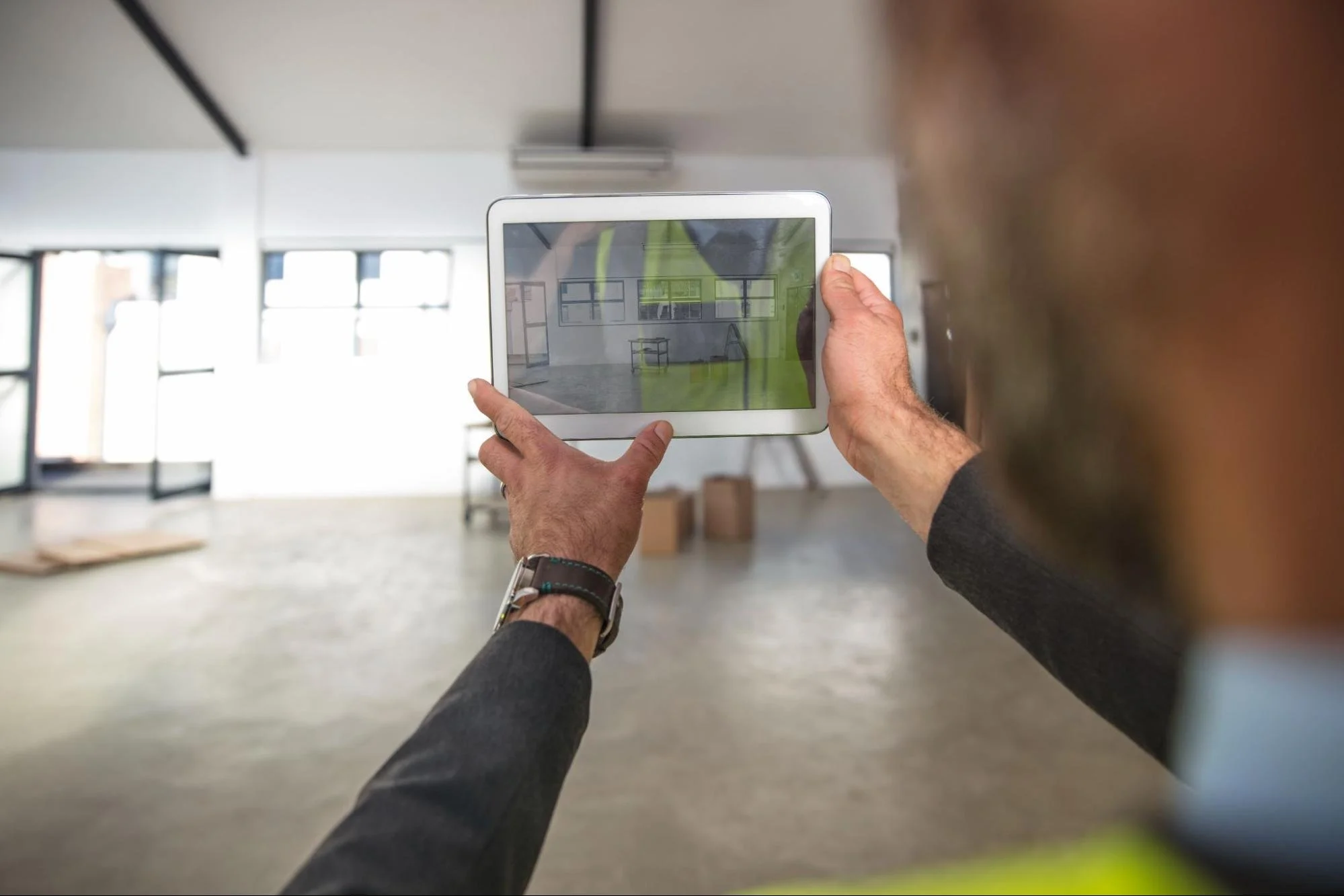
Augmented and virtual reality enhance users' experience of floor plans. This technology allows users to explore spaces in immersive digital environments. They can identify potential issues before physical changes take place. This experience improves communication with clients and stakeholders. According to industry reports, immersive tools increase engagement and understanding. This approach leads to better planning outcomes and fewer revisions.

Data-Driven Floor Plan Optimization Trends

Data-driven planning uses real-time information to improve space management. This approach tracks occupancy, usage patterns, and operational needs. Businesses can adjust layouts based on actual performance data. This insight supports long-term planning and cost control. Integrated analytics provide a clearer view of how spaces function day to day. This strategy creates more adaptable and efficient business environments.

Optimize Operations Using Interactive Floor Plans

Interactive floor plan design gives you direct control over how your space supports daily operations. This approach allows you to test layouts, reduce inefficiencies, and align teams with clear visual data. Businesses that use these tools respond faster to changes and improve how space is used. This shift positions your operations to run smarter and adapt with confidence.

Find more actionable ideas and expert perspectives on the LNE Surveys blog to refine how you plan, manage, and present your business spaces.